Designing for Google Glass
Lessons learned in augmented cognition, designing for healthcare and thinking beyond screens
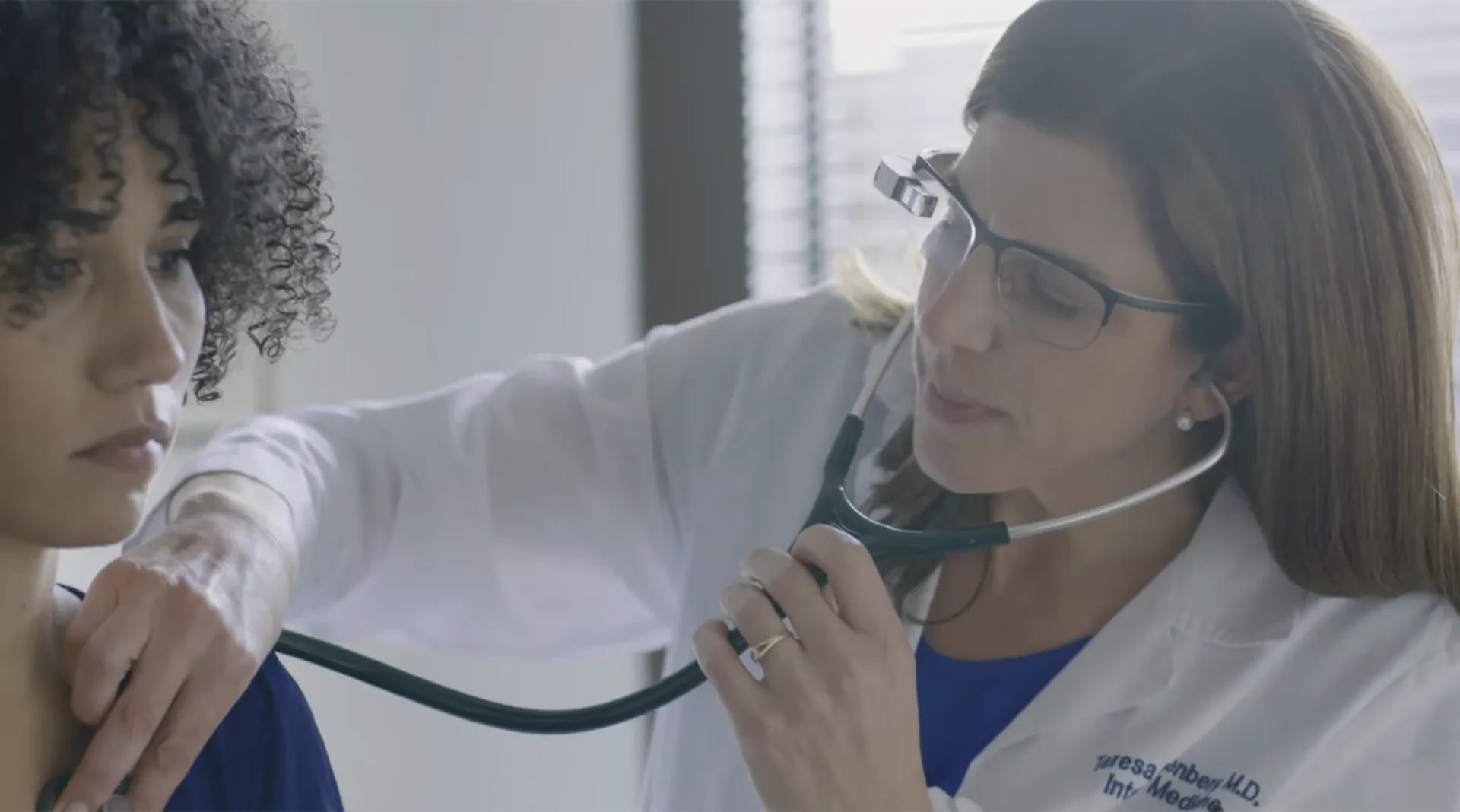
“Google Glass huh? Is that thing still around?” would be the typical response I would get when I said I design for Glass.
When it was launched to the public Glass was universally panned. Things got so bad we got a new term, Glasshole. But a few years after the glitzy consumer release Glass quietly found a new home — in enterprise.
With Google’s announcement last year, Glass has been making strides in hardware advancements — it’s faster, lighter and more energy efficient. But this piece isn’t about hardware but rather the valuable use cases Glass provides as a device that augments human ability, specifically in healthcare.
In 2017 I joined Augmedix to design for their app that runs on Glass. The company aims to rehumanize healthcare by helping doctors provide better care for their patients.
Here’s an inside peek behind Glass design for healthcare.
Helping doctors provide better care
In US, doctors spend a significant portion of their day documenting patient visits. Previously patient records were stored on paper but now the healthcare mandate requires them to be digitized. Documentation also determines how the doctor and the hospital will be paid. The law incentivizes better health outcomes as opposed to tests for their own sake.
On average doctors spend 2 hours every day documenting patient visits
Ironically documentation itself has become a long and tedious process taking doctors multiple hours a day. Depending on the number of patients, some doctors even come in on the weekend to wrap up this work.
This is where Augmedix comes in. With the help of Glass, a medical remote expert on the other end documents the patient visit. They provide the doctor with relevant patient information helping the doctor save time and be more engaged with the patient.
Glass and augmented reality
Technically Glass is not an augmented reality (AR) device but more of a heads up display. AR is best exemplified by products like the Hololens or the Magic Leap which interact with the viewer’s physical world. For example the Hololens game Fragments tasks the player with solving a crime by hiding clues in their own room.
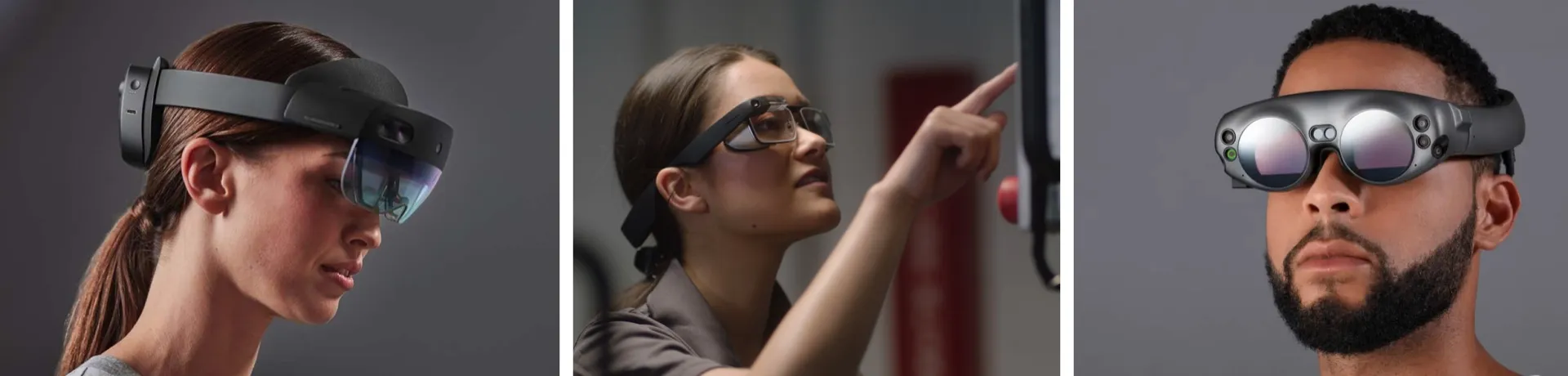
While Hololens and Magic Leap pack an impressive array of hardware they’re also much bulkier compared to Glass. This may not matter much in factories but it does in the patient room. When it comes to healthcare, patients aren’t yet ready for cyborg doctors.
98% of patients consent to doctors wear Google Glass
Even though most people didn’t like Glass in public—surprisingly 98% of patients consent to have their doctors wear Glass to document their visit. This is where Glass shines as its hardware design has a more approachable feel compared to the more advanced AR headsets.
Augmented cognition via remote expertise
Instead of thinking of glass as augmented reality, I’d like to think of it as augmented cognition via remote assistants. Augmedix is not the only Glass company to do so:
- Upskill helps field engineers connect to an expert who can guide them in troubleshooting wind turbines in remote locations.
- Aira allows people with visual impairments to navigate the world using Glass and perform tasks like reading mail via a remote assistant.
Augmedix’ remote experts are medical scribes and they go through a rigorous training process before documenting their first patient visit.
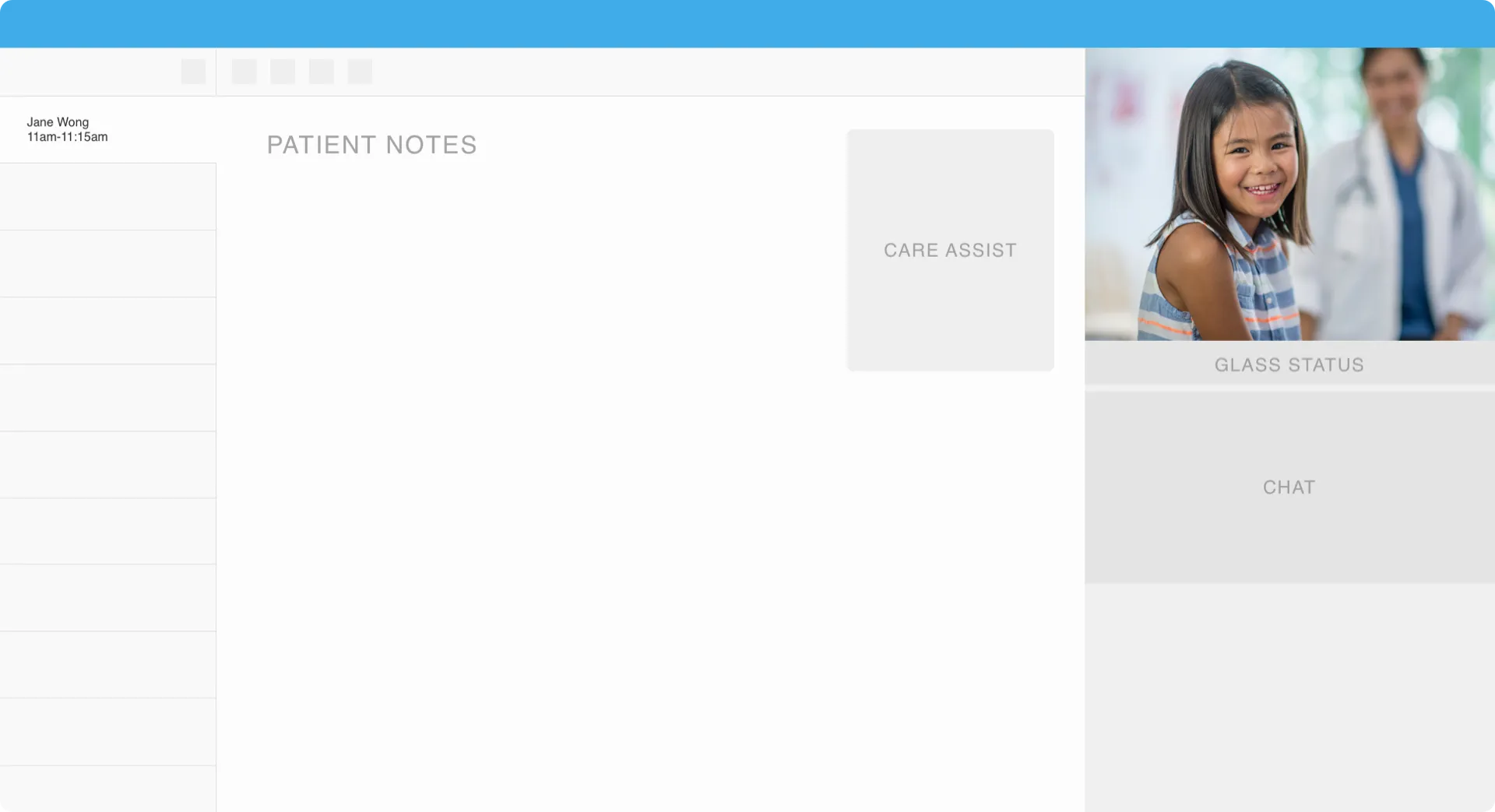
The scribe use a Scribe Cockpit—a tool that allows them to watch the stream, take patient notes and message the doctor. The tool itself is pretty complex but when mastered it allows scribes to move fast and augment the doctor’s capability.
Successful scribe and doctor pairings form a symbiotic relationship that allows them to “practice at the top of their license”. Doctors are unblocked to solve complex medical problems while the scribes offer support in expert note taking. Over time some pairs become close allies—one physician mentioned that he thinks of his scribe as a “brother from another mother”.
Just in time health notifications
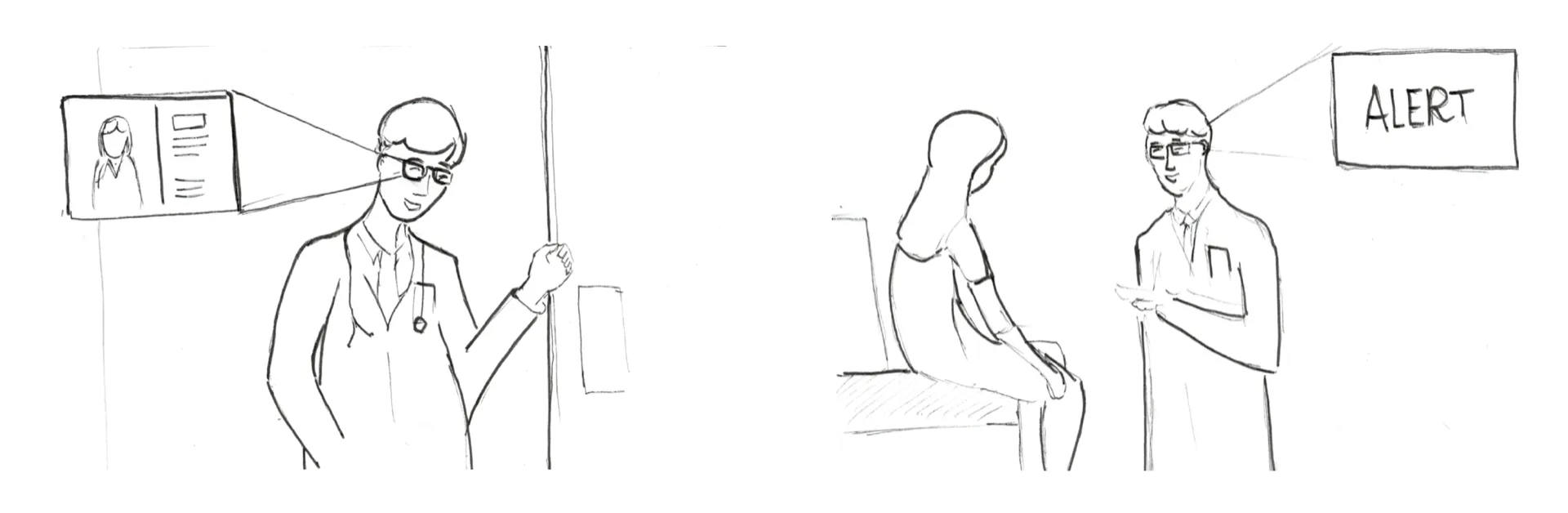
One of the projects that I worked on at Augmedix was refining an existing healthcare reminders product called Care Assist. The product would surface relevant patient alerts to ensure the patient didn’t forget to follow-up on the tests they were assigned, e.g. getting a flu vaccine.
Back then when doctors would open a patient’s file in an EHR they would get spammed by modal dialogs reminding them of the procedures the patient should do. However the doctor would then close all of them just so that they could get to the patient record. In the end they would sometimes also forget about the system reminders.
Guiding design principles
To design Care Assist I’ve stepped back from the Glass UI and tried to understand the full system of people and enabling technologies. In my case I’ve used the following guiding principles to make sure we’re designing “human first” by helping the patient.
- Patient — how do we make the patient feel valued and heard?
- Doctor — how can we help the clinician do their best?
- Glass — how do we design a compelling but non-intrusive experience?
- Scribe cockpit — how do we improve a scribe’s efficiency?
- Scribe — how do we help the scribe perform at their best?
- EHR — how do we update data quickly?
Thinking through this problem from a service design lens helped me brainstorm solutions through multiple lenses. Aside showing alerts, I also wanted the doctor to feel like an expert and to empower the scribe. Best types of services allow for flexibility since no service is ever the same.
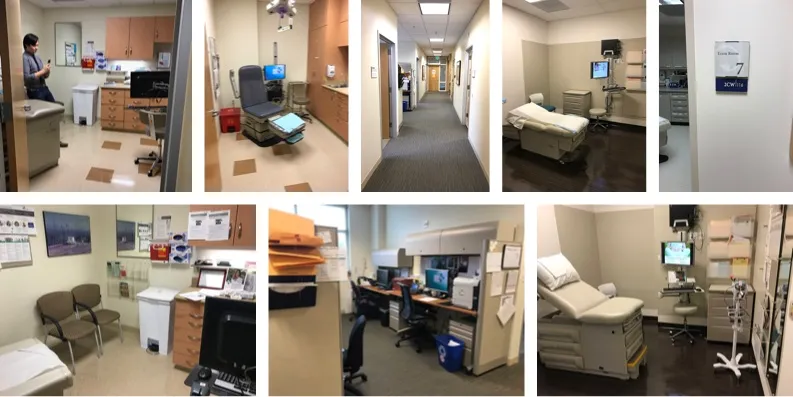
To understand the environment, I’ve taken Glass to various clinics and hospital to see how it would perform in places with bright light and poor connectivity. Anticipating how the device might fail allowed me to minimize impact of negative experiences and design for service recovery.
At the end of the day the doctor had to act on the alert. To ensure that experience was sound I considered:
- How an alert would surface,
- The optimal number of alerts, and
- When they would appear
It was also important to consider how an alert would resurface again (if the doctor didn’t initially see or acknowledge them).

On the other side of the Glass, and arguably the most complex piece to design for was the Scribe Cockpit. The product had to have the right amount of flexibility for the scribe to be responsive to the situation at hand.
This meant thinking about how much control the scribe should have and how they should properly sequence and send messages. For example, if the doctor mentioned all of the reminders to the patient unprompted then no reminders need to be sent. Or alternatively the scribe would only send reminders for the tests that doctor didn’t mention.
Behind Glass—a whole new world
Glass officially launched in 2014 to the public. It came a long way since then. Who would’ve thought that Glass and remote assistants would be a winning combination. As designers we’re always challenged with new problems. But as technologies evolve, our methods remain remarkably similar.
In the next article I’ll do a deep dive into the Glass design process,